


Share your links after talks and track every click with analytics
LinkedOut — Share Links After Talks, Track Every Click
A link-sharing and analytics platform built on Cloudflare’s data stack: Pipelines, R2 Data Catalog, and R2 SQL.
About LinkedOut
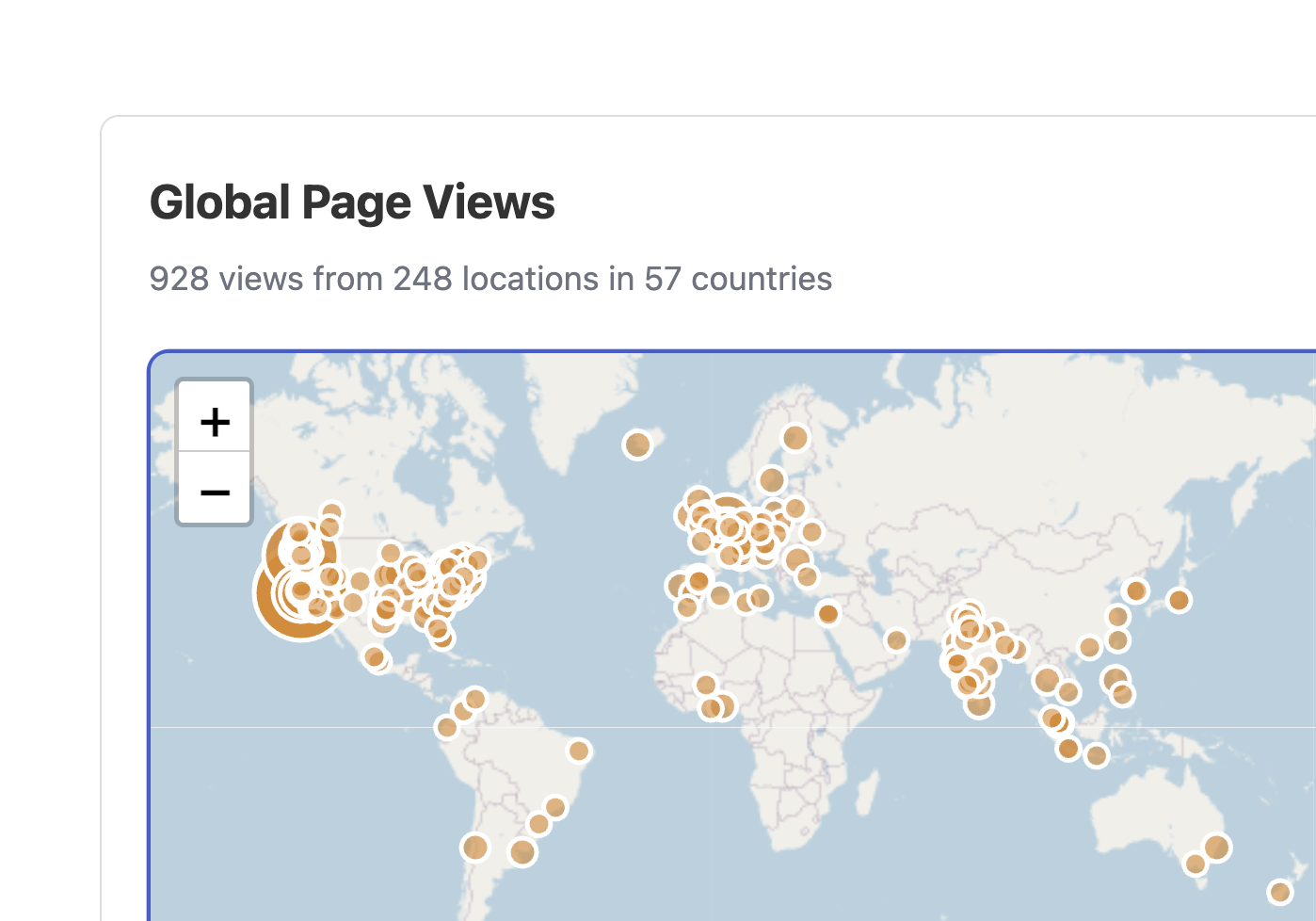
LinkedOut is built for speakers and educators who share links after presentations. Create a page with your talk resources, share it via URL or QR code, and track engagement in real time. You see which links get clicked, where your audience is located, and how traffic flows over time.
The app supports multi-maintainer collaboration. Conference talks with multiple speakers can share ownership of a link page. Six built-in themes (dark, minimal, colorful, conference, retro) let you customize the look without writing CSS.
Under the hood, LinkedOut demonstrates Cloudflare’s full data pipeline. Click events flow from the browser through Pipelines into R2 Data Catalog as Apache Iceberg tables stored in Parquet format. R2 SQL queries those tables for the analytics dashboard. Authentication runs through Cloudflare Access with GitHub OAuth.
Frameworks & Technologies Used
- Backend: Cloudflare Workers with Hono (routing, page rendering, tracking API)
- Database: D1 (link pages, users, themes, permissions)
- Analytics Pipeline: Pipelines (event ingestion), R2 Data Catalog (Iceberg tables), R2 SQL (querying)
- Auth: Cloudflare Access with GitHub OAuth (Zero Trust)
Why Cloudflare for This Project?
- Pipelines for Event Ingestion: Click events are sent via
sendBeaconand written to a Pipeline stream. Pipelines batches events and writes them as Parquet files to R2, handling high-volume tracking without overloading a database. - R2 Data Catalog with Apache Iceberg: Analytics data lives in Apache Iceberg tables on R2. This gives you schema evolution, time travel queries, and columnar storage without running a data warehouse.
- R2 SQL for Analytics: The dashboard queries click data with standard SQL directly on R2. No separate analytics database to provision or sync.
- Cloudflare Access for Auth: GitHub OAuth flows through Cloudflare Access. JWT-based authentication with no passwords to manage and no session server to run.